Designing Conversations: 3 Rules for Creating Voice Assistants That Customers Love to Talk To
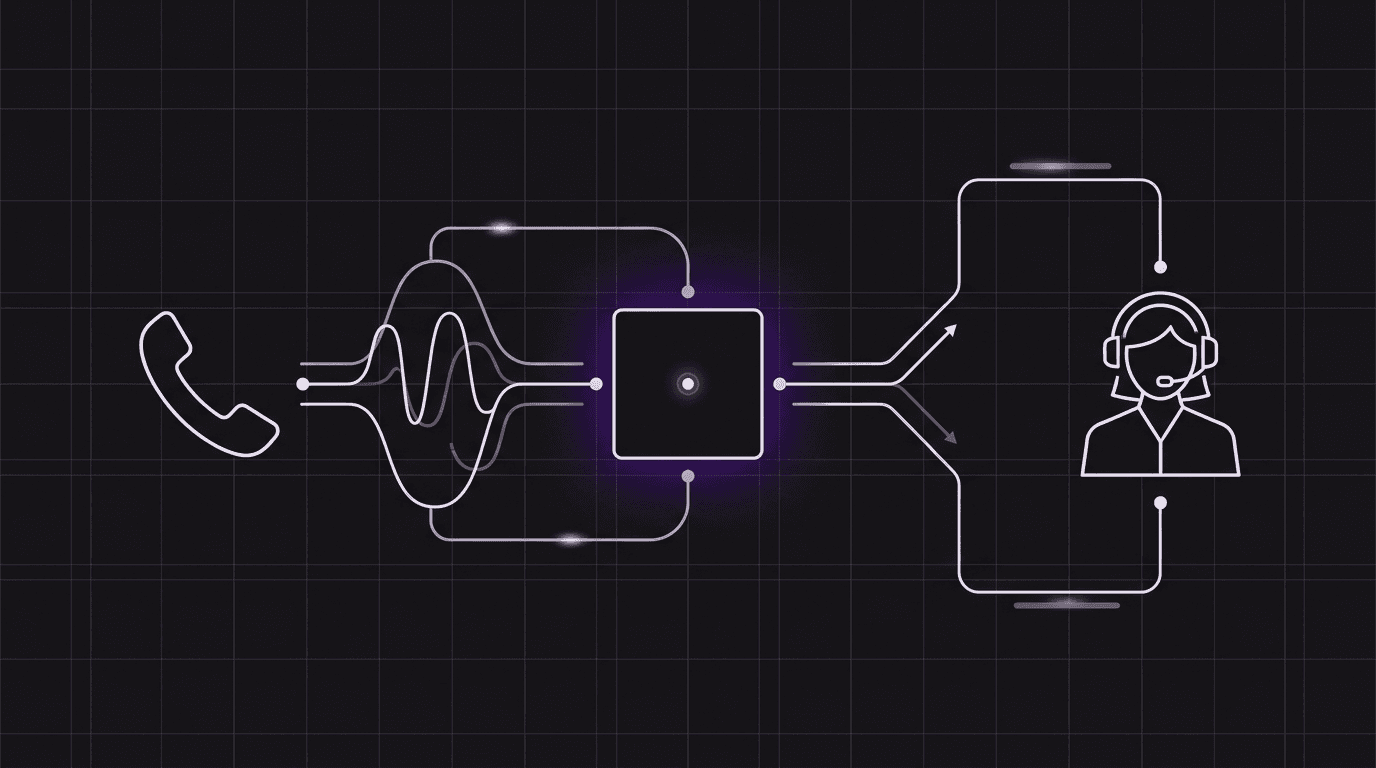
Writing instructions for a voice agent is completely different from writing copy for a chat widget. If your voice bot speaks in long paragraphs, callers will get bored, lose track of the details, or simply interrupt the bot mid-sentence.
In a text-based chat interface, users can skim through paragraphs of text at their own pace. They can re-read sentences, ignore fillers, and visually isolate the call-to-action. Voice, however, is linear and ephemeral. When a customer calls your business, they are locked into a real-time auditory stream. Every second your assistant spends speaking is a second the caller has to spend active listening, memorizing, and waiting to reply.
To build voice agents that feel natural and pleasant, you must shift your mindset from "content writing" to "conversation design." In this article, we’ll cover three essential rules for crafting voice assistant prompts that drive engagement and boost customer satisfaction (CSAT) using Orbitali’s conversational primitives.
Rule 1: Keep It Brief (The 1-2 Sentence Constraint)
The number one mistake developers make when deploying their first voice AI is treating the prompt response like an email or a FAQ page. If your agent outputs four or five sentences at once, the caller is highly likely to experience cognitive overload.
In voice design, the golden rule is simple: responses should be limited to one or two sentences.
By keeping responses short, you create a dynamic, turn-taking cadence. This mimics how humans naturally converse over the phone. Instead of dumping all the information upfront, your voice agent should offer a small piece of information and immediately hand the turn back to the caller with a clarifying question.
The Contrast
- ❌ Chat-Centric (Too Long): "Hello, thank you for calling Acme Dental. We have been serving the local community for over fifteen years. I can assist you with scheduling a new appointment, checking on your insurance coverage details, or answering any billing inquiries. To get started, could you please provide your full name and date of birth, or let me know if you are a returning patient?"
- Voice-Optimized (Brief & Clear): "Thanks for calling Acme Dental. I can help you schedule an appointment, check insurance, or answer billing questions. What can I do for you today?"
When configuring your agent's dynamic instructions via the agent:assistant-request webhook payload, always include explicit constraints about sentence length:
{
  "prompt": "You are a front-desk receptionist. Help the customer schedule an appointment. CRITICAL: Keep every response to 1-2 sentences maximum. Never output paragraphs. Ask clarifying questions to guide the user step-by-step."
}
Rule 2: Speak Like a Human (Conversational Transitions)
A conversation should flow, not feel like a command-line interface. Traditional IVR (Interactive Voice Response) systems forced users to listen to rigid menus ("For sales, press 1..."). When building AI voice agents, developers sometimes fall back on this pattern, prompting the bot to ask robotic, binary questions.
To make an assistant feel natural, instruct it to use conversational markers (e.g., "Got it," "Okay," "Sure thing," "Let me check that...") at the beginning of its turns.
These small words serve two major purposes:
- Auditory feedback: They reassure the caller that the AI has heard and understood their previous statement.
- Latency masking: Fetching data from a webhook database or running a semantic query takes a second or two. By stating "Sure thing, let me look up your account details..." before triggering a tool, the agent keeps the caller engaged during the brief processing window.
Prompting for Transitions
When writing your agent instructions, explicitly define how it should acknowledge inputs:
- Robotic prompt style: "When the user gives you their account number, call the search tool immediately."
- Conversational prompt style: "When the user shares their account number, acknowledge it immediately with a natural phrase like 'Got it, let me pull up your account' or 'Sure, let me check that for you,' and then run the search tool."
This small adjustment eliminates awkward silences and makes the interaction feel like a collaboration rather than an interrogation.
Rule 3: Handle the Handoff (Graceful Transitions to Humans)
No voice agent can solve 100% of customer issues. A customer might have a highly specific edge case, request a supervisor, or simply exhibit frustration. The mark of a premium voice experience is not whether it can handle every scenario, but how gracefully it handles failure.
When an agent reaches its limits, it must transition the caller to a human receptionist without friction.
Orbitali makes this easy by exposing the native transfer_call system tool. If a valid handoff destination is configured for your phone number, the agent can invoke transfer_call dynamically when certain criteria are met.
Structuring the Handoff in Instructions
To implement a clean handoff, you must instruct the agent on when to transfer and how to announce the transition:
- Identify the trigger: Train the agent to recognize frustration (e.g., raised voices, repeat requests) or complex out-of-scope topics (e.g., legal disputes, detailed billing adjustments).
- Announce the transfer: The agent should never transfer a call silently. It must explain what is happening so the caller doesn't think they've been disconnected.
- Execute the tool: Call the
transfer_calltool.
Here is an example prompt structure for handling handoffs:
- **Out of Scope Topics:** If the caller asks about custom billing adjustments or requests a manager, you must transfer them.
- **Handoff Protocol:**
  1. Say: "I'd be happy to get a teammate to help you with that. Let me transfer you to our front desk right now."
  2. Immediately execute the `transfer_call` system tool.
By presenting a clear, supportive path to a human, you build trust—even when the AI cannot resolve the issue itself.
Low Risk, High Impact: Why Prompt Optimization is Safe
Developers are often cautious about updating AI features in production due to the risks of code regression, database errors, or security misconfigurations.
However, optimizing your voice assistant's conversation design and prompt strategy is entirely safe.
Because these instructions reside on the prompt layer—either statically in your agent configuration or returned dynamically via your agent:assistant-request webhook server—they do not touch your backend database code or security credentials. Tuning prompts to enforce brevity, include conversational markers, or refine transfer thresholds requires zero architectural changes, making it the highest-leverage, lowest-risk way to improve customer satisfaction and reduce call drop-offs.
Ready to design your first conversation? Read our Prompt Engineering Guide or sign up for an Orbitali developer account to test your prompts live in the browser simulator.